现在版本的 dmesg -T 都是带时间戳的。

但是老的机器,很有可能是没有 -T 这个参数的,直接 dmesg 是这样的:
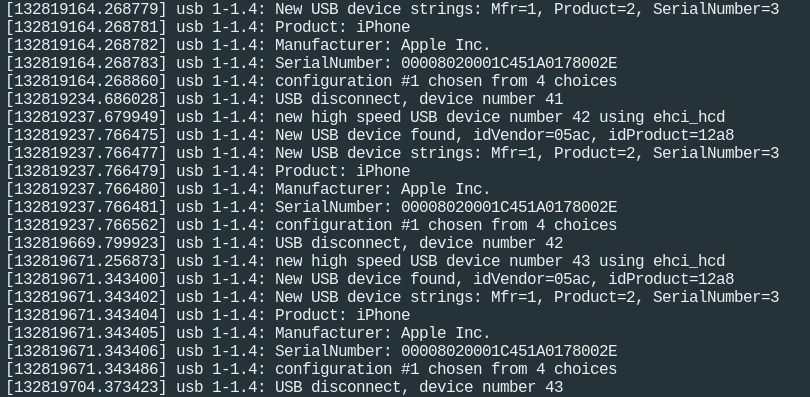
这个时间戳是天书啊,这还算好的,好歹有。还有更差的,连戳子都没有:
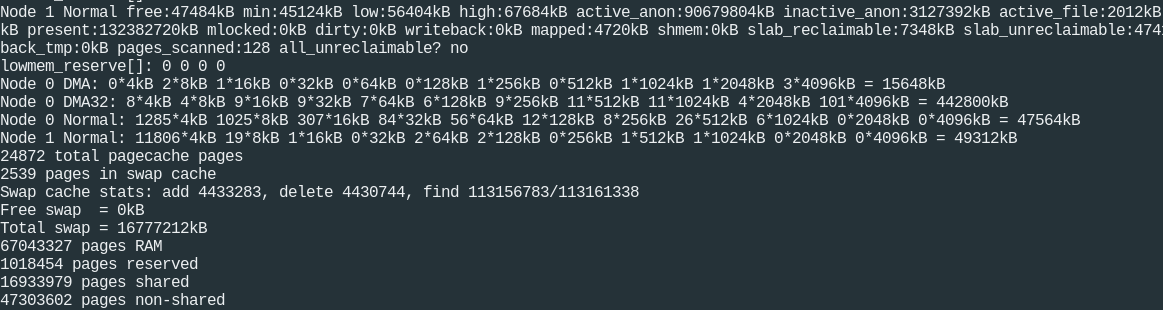
戳子都没有的,需要做以下步骤来加上,机器重启后必须再执行一遍:
echo 1 > /sys/module/printk/parameters/printk_time
同时写个脚本,/usr/local/bin/dmesgt.sh
#!/bin/bash
# Translate dmesg timestamps to human readable format

# desired date format
date_format="%a %b %d %T %Y"

# uptime in seconds
uptime=$(cut -d " " -f 1 /proc/uptime)

# run only if timestamps are enabled
if [ "Y" = "$(cat /sys/module/printk/parameters/time)" ]; then
  dmesg | sed "s/^\[[ ]*\?\([0-9.]*\)\] \(.*\)/\\1 \\2/" | while read timestamp message; do
    printf "[%s] %s\n" "$(date --date "now - $uptime seconds + $timestamp seconds" +"${date_format}")" "$message"
  done
else
  echo "Timestamps are disabled (/sys/module/printk/parameters/time)"
fi
这样就可以了,最后我们测试一下:
echo "Enabled timestamps" | tee /dev/kmsg
看到带时间戳的信息就可以了:
$ dmesg
[...]
Bluetooth: RFCOMM TTY layer initialized
Bluetooth: RFCOMM socket layer initialized
Bluetooth: RFCOMM ver 1.11
[...]
[271309.434405] Enabled timestamps
[...]