Dell服务器设置远程文件共享
用来加载iso文件,用于安装系统或者修复
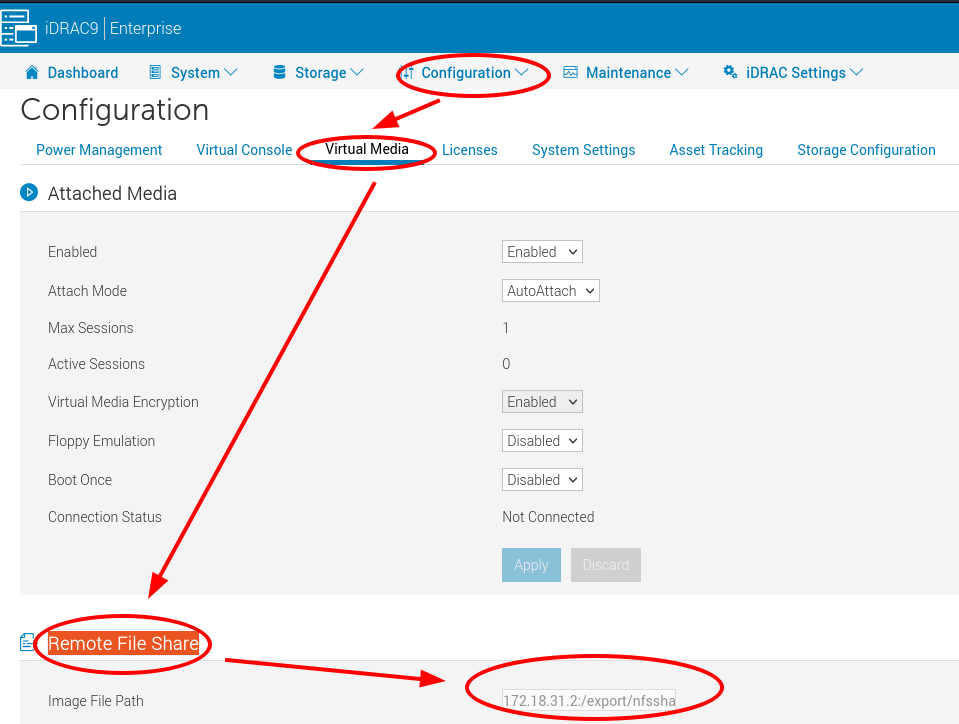
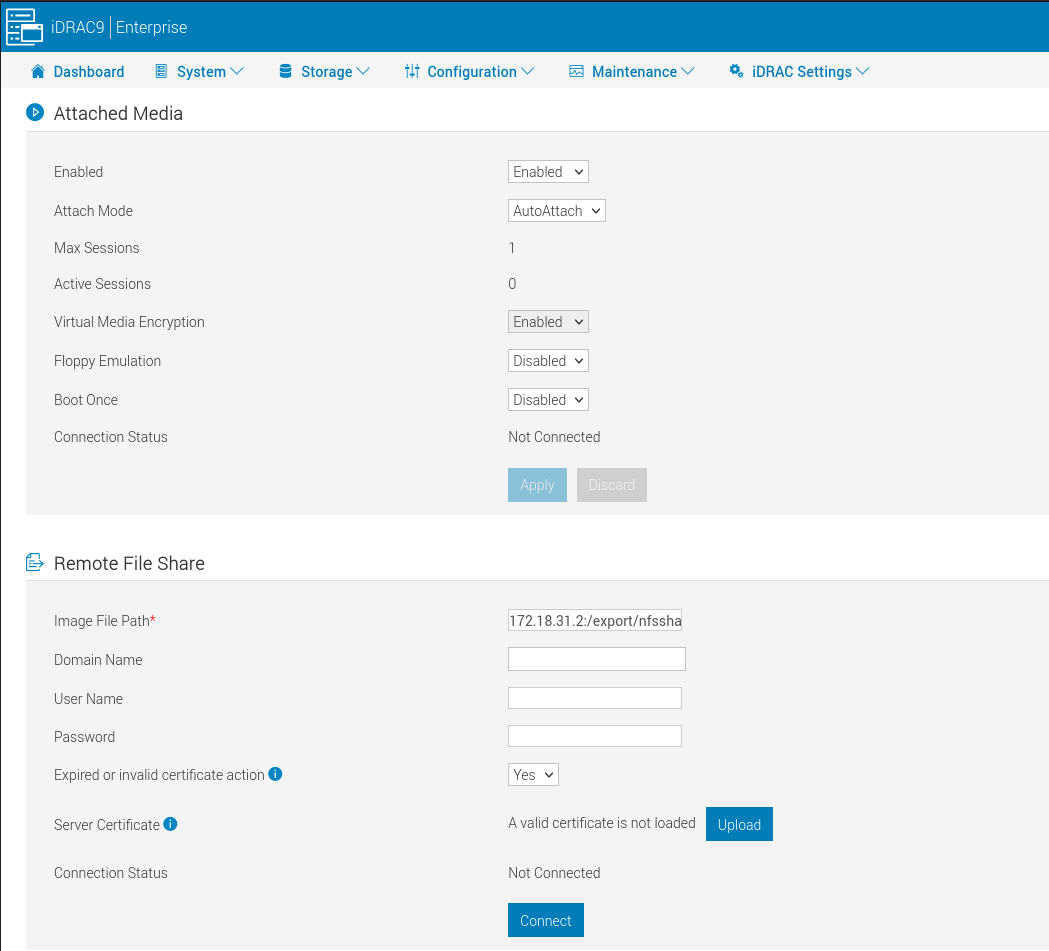
输入172.18.31.2:/export/nfsshare/centos7-live-docker.iso
缺省是支持4种格式的共享:
    CIFS — //<IP to connect for CIFS file system>/<file path>/<image name>
    NFS — < IP to connect for NFS file system>:/<file path>/<image name>
    HTTP — http://<URL>/<file path>/<image name>
    HTTPs — https://<URL>/<file path>/<image name>
点击Connect
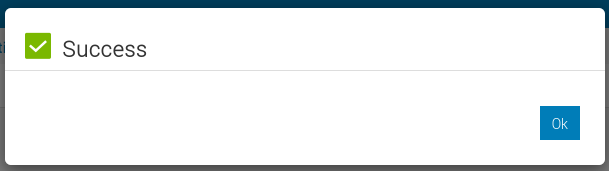
好的话,就会蹦出Success
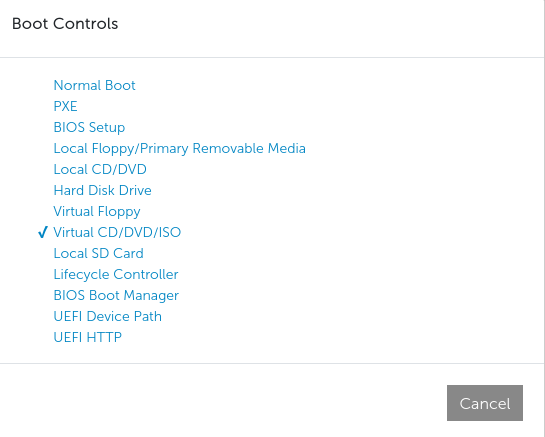
然后启动虚拟控制台,Boot菜单选中启动:Virtual CD/DVD/ISO
重启,就可以进入centos7-live-docker.iso的系统了