操作系统是debian 12,搭配AMD 6700 xt 12G的显卡
为了学习模型的蒸馏,以及在模型之外套上壳子来对模型的问答进行修正,那就必须自己编译llama.app了
首先说结果,deiban 12对rocm的支持并不好,不如Ubuntu,用rocm 6.0编译出来的旧版本llama.app不支持多模态,所以是半残篇
apt install -y wget gnupg2 curl software-properties-common linux-headers-$(uname -r)

wget -qO - https://repo.radeon.com/rocm/rocm.gpg.key | sudo gpg --dearmor -o /etc/apt/keyrings/rocm.gpg
echo "deb [arch=amd64 signed-by=/etc/apt/keyrings/rocm.gpg] https://repo.radeon.com/amdgpu/6.0/ubuntu jammy main" | sudo tee /etc/apt/sources.list.d/amdgpu.list
echo "deb [arch=amd64 signed-by=/etc/apt/keyrings/rocm.gpg] https://repo.radeon.com/rocm/apt/6.0 jammy main" | sudo tee /etc/apt/sources.list.d/rocm.list

sudo tee /etc/apt/preferences.d/rocm-pin-600 <<EOF
Package: *
Pin: origin repo.radeon.com
Pin-Priority: 600
EOF

sudo apt update
sudo apt install -y amdgpu-dkms rocm-hip-libraries rocm-hip-sdk rocm-smi

apt install lrzsz unzip ripgrep

apt install git
apt install -y git cmake build-essential pkg-config
apt install -y amdgpu-dkms rocm-hip-sdk

# 存疑
apt install -y libvulkan-dev vulkan-tools mesa-vulkan-drivers
apt-get install -y rocm-device-libs
apt install curl-devel libssl-dev libcurl4-openssl-dev
拉取llama.cpp源代码
git clone https://github.com/ggerganov/llama.cpp
cd llama.cpp
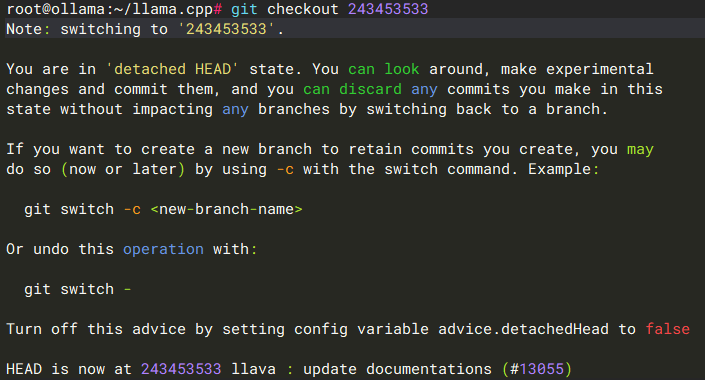
因为装的是rocm 6,源代码必须回退到 ·HIP: bump requirement to rocm 6.1· 这个提交之前
git fetch --tags

git log --oneline -S "6.1"  -- CMakeLists.txt cmake/ docs/ .github/

找到之前的那个提交是:243453533
git checkout 243453533
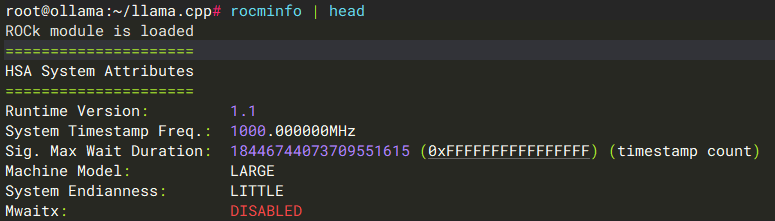
再确认都没问题
hipcc --version

rocminfo | head
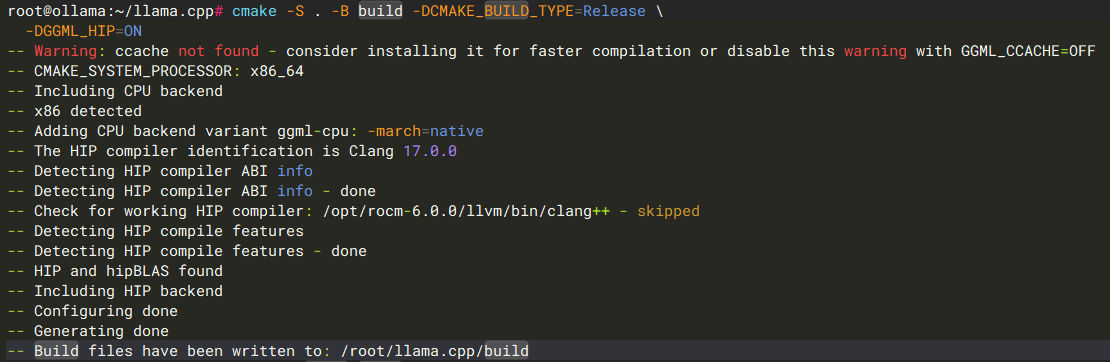
然后编译吧
cmake -S . -B build -DCMAKE_BUILD_TYPE=Release
cmake --build build -j
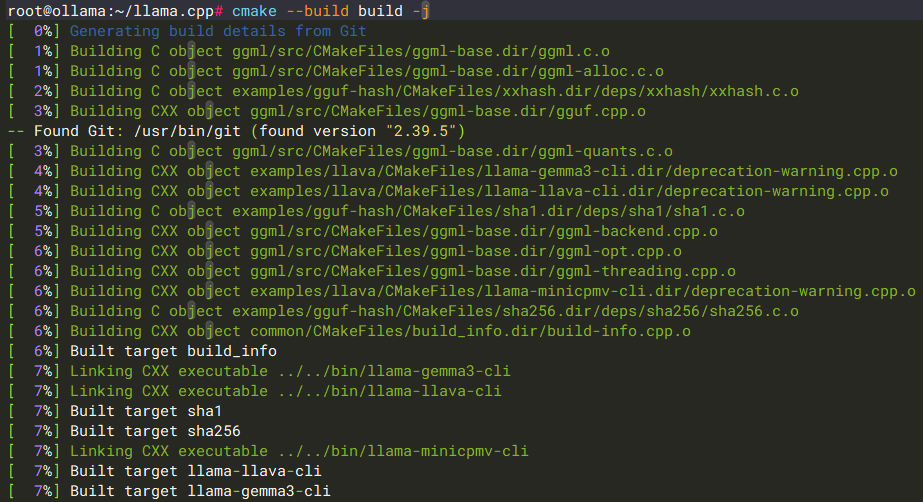
这样llama.cpp就造出来了,但是很可惜,这个llama.app不能跑qwen3.5-plus 9B的模型,是个残废版